Showing posts with label Sys Admin. Show all posts

Wednesday, May 17, 2023

How to enable Help Diagnostics Examine Menu in Oracle Application

Reference:

Oracle Doc ID: 1300872.1
Help Diagnostics Examine is Missing from the Help Menu


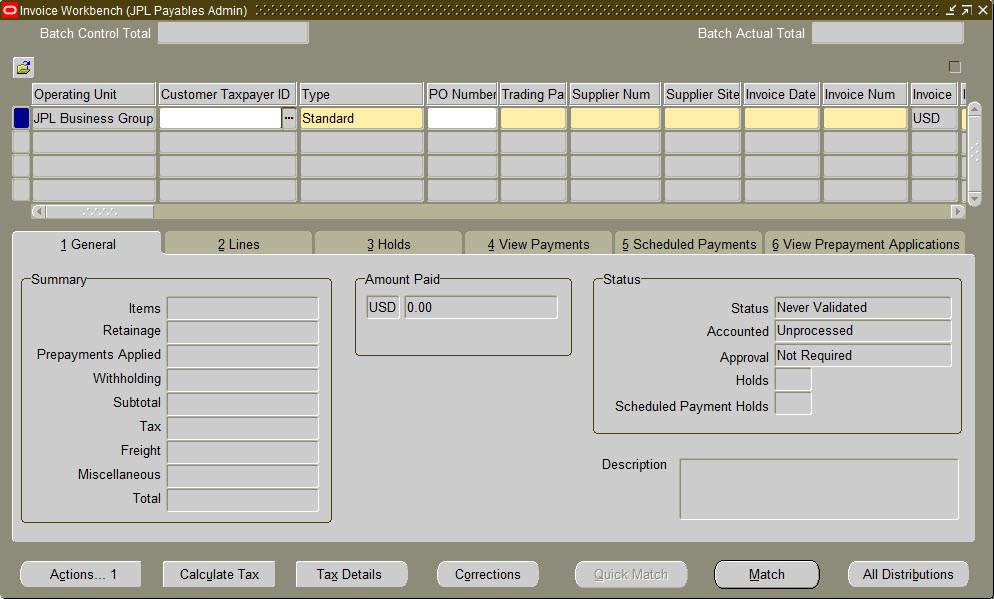
If your Oracle Applications does not show the Help > Diagnostics > Examine menu in Oracle Applications (as pictured below), please contact your System Administrator or if you have 'System Administrator' responsibility, then follow the instructions below.


Navigation:

System Administrator > Profile > System


Profile 1: 

Query for Profile, Utilities:DiagnosticsClick Find.


Set user level profile to 'Yes'. Save.


Profile 2:

Query for Profile, Hide Diagnostics menu entryClick Find.


Set user level profile to 'No'. Save.


Log out of the Applications.

Log back in and verify that Help > Diagnostics is now available.


Thursday, November 17, 2022

Add System Admin responsibility to a user

BEGIN
   FND_USER_PKG.ADDRESP(
      USERNAME        =>  UPPER('AMOHSIN'),  -- username
      RESP_APP        =>  'SYSADMIN',
      RESP_KEY        =>  'SYSTEM_ADMINISTRATOR',
      SECURITY_GROUP  =>  'STANDARD',
      DESCRIPTION     =>  'DESCRIPTION',
      START_DATE      =>  SYSDATE,
      END_DATE        =>  NULL);

   
COMMIT
;

   DBMS_OUTPUT.PUT_LINE
('Responsibility Added Successfully');

EXCEPTION
   WHEN OTHERS THEN
      DBMS_OUTPUT.PUT_LINE('Responsibility is not added due to' ||
      SQLCODE || SUBSTR(SQLERRM, 1, 100));
      
      ROLLBACK;
END;

Tuesday, November 13, 2018

Oracle Applications Java Color Scheme

Have you ever experienced an accidental mistake when you thought you were testing something in Test instances (DEV, UAT, etc.), but in fact, it was in Production? Then, you gasped in fear, rushed to cancel the test you did in Production, and/or asked  the EBS technical/functional guys to come up with an urgent 'datafix' to reverse your mistake (test entry) in Production.

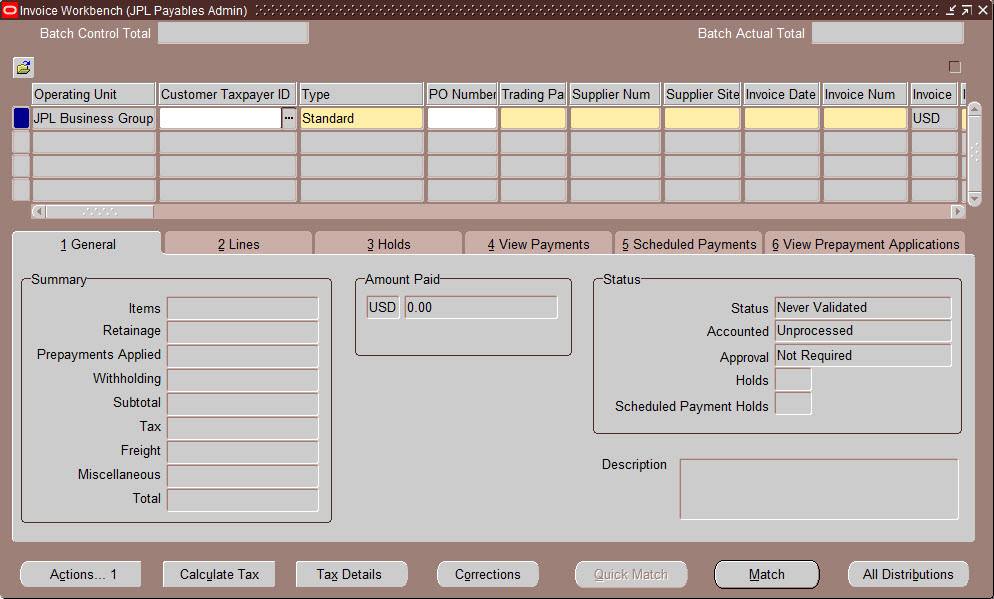
Well, personally I have not. But in case you ever did or feel that it may happen to you in future, there is an easy remedy to avoid this. Hence, one of the good reasons why Oracle Applications offer you different color schemes for different Oracle Application instances. Note that, this only applies to Oracle (Java) form.

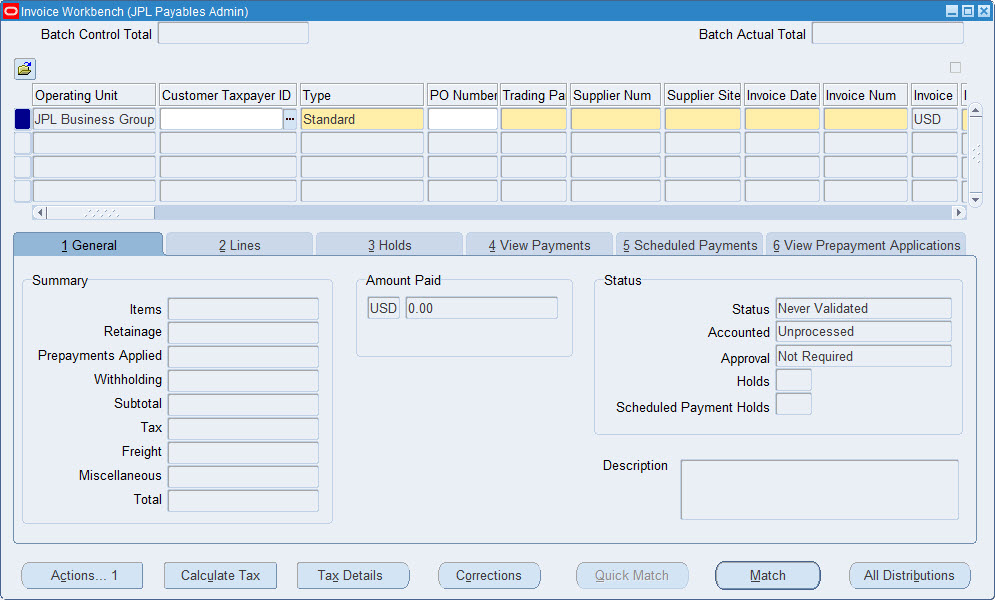
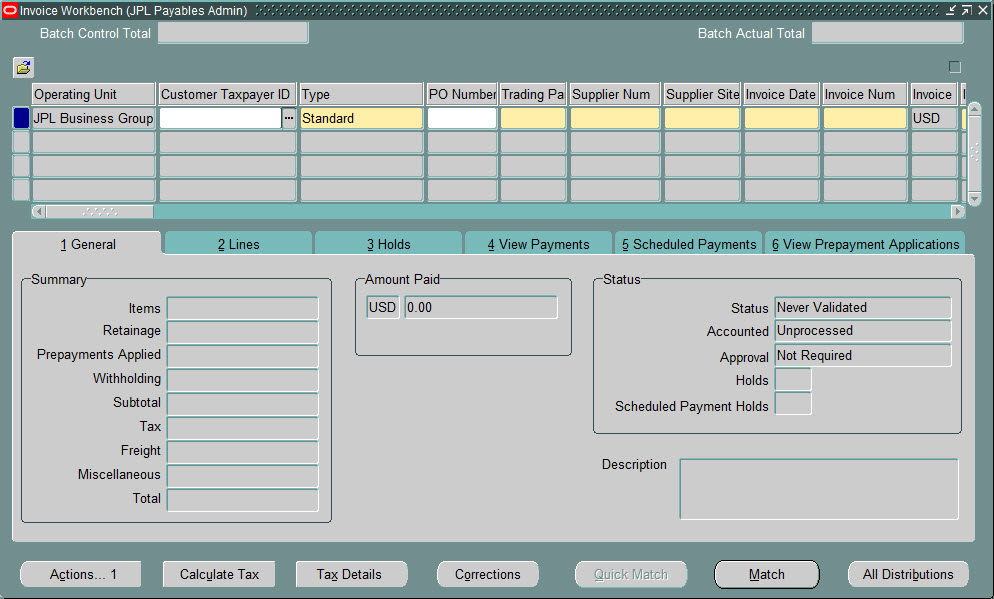
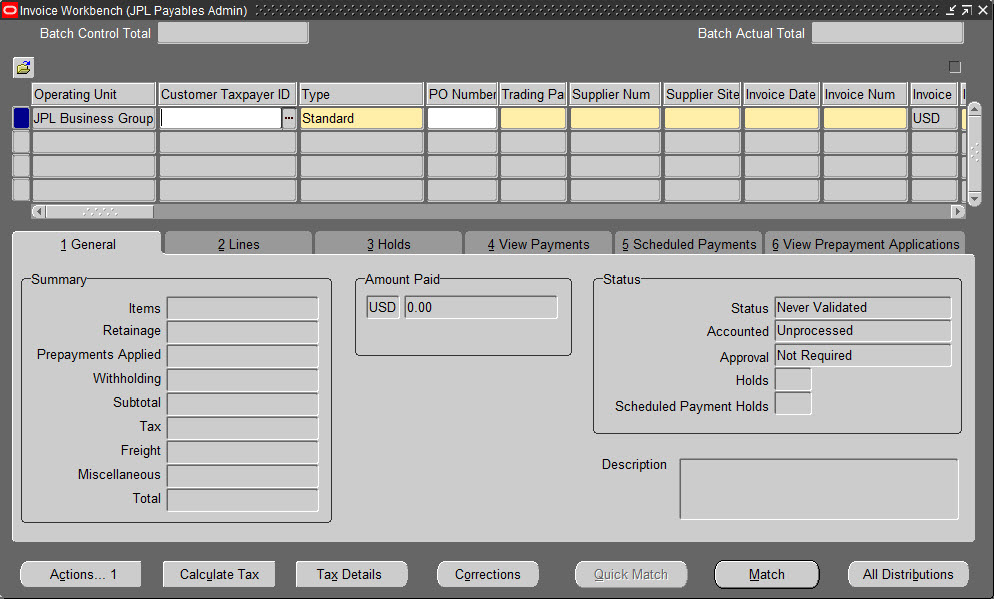
I use the following color schemes to differentiate different instances from each other.
  1. TEAL
    • Use this color for Development type of instances
    • Green color suggests that you are free to make any changes in this instance
  2. RED
    • Use this color for Test type of instances
    • Red color suggests that you should proceed carefully in this instance
  3. SWAN
    • Defaulted color used primarily in Production
    • Swan color suggests that your entries are permanent 
    • This color theme profile typically gets copied over to other instances after the Clone
Oracle provides many other color options to choose from. Apply as you see fit or makes sense for your applications.

  1. Blue
  2. Khaki
  3. Olive
  4. Purple
  5. Red
  6. Swan
  7. Teal
  8. Titanium

Navigation:

Any Responsibility > Edit > Preferences > Profiles

Press 'F11' in the Profile Name field. Type 'Java Color Scheme'. 
Press Ctrl+F11. From "User Value" drop down list, choose one of the values.


Blue


Khaki


Olive


Purple


Red


Swan


Teal


Titanium


Monday, October 14, 2013

Active Responsibility List with Active User Count


If you need to create an ad-hoc report showing all the currently active Oracle responsibilities with all active users that are using them, below is a simple query that can help you.


SELECT
       fat.application_name         "Application Name",
       frv.responsibility_name      "Active Responsibility Name",
       COUNT(fu.user_name)          "Active User Count"
  FROM
       fnd_user                     fu,
       fnd_user_resp_groups_direct  furgd,
       fnd_responsibility_vl        frv,
       fnd_application_tl           fat
 WHERE
       1=1
   --
   AND furgd.end_date IS NULL
   --
   AND TRUNC(SYSDATE) BETWEEN
          TRUNC(furgd.start_date) AND TRUNC(NVL(furgd.end_date, SYSDATE+1))
   AND TRUNC(SYSDATE) BETWEEN
          TRUNC(frv.start_date)   AND TRUNC(NVL(frv.end_date, SYSDATE+1))
   AND TRUNC(SYSDATE) BETWEEN
          TRUNC(fu.start_date)    AND TRUNC(NVL(fu.end_date, SYSDATE+1))
   --
   AND fat.application_id       =  frv.application_id
   --
   AND furgd.responsibility_id  =  frv.responsibility_id
   AND furgd.user_id            =  fu.user_id
   --
 GROUP BY fat.application_name, frv.responsibility_name
 ORDER BY fat.application_name, frv.responsibility_name;


Friday, October 11, 2013

Delete Concurrent Program from the Back-End

If you create an Executable without creating a concurrent program, the system will allow to delete the Executable. But once you create the Concurrent Program for that Executable, the system never allows you to delete the program -- it only gives the option to disable the Concurrent Program.

At that point, your only option is to delete the Concurrent Program and its Executable from the back-end. Following is a simple straight-forward query that you can use for deleting a Concurrent Program. This query first checks if the concurrent program and its executable exist in the system. If found, it will delete the program; if not found, it will just display a message.

In this example, 'XX_TEST' is my Concurrent Program's Short Name and 'XX' is the Application Short Name. You will have to use appropriate program name and application short name according to your need.


-------------------------------------------------------------------------------
-- delete concurrent program definition and executable from back-end
-------------------------------------------------------------------------------
-- syntax:
--     delete_program    (program_short_name, application_short_name)
--     delete_executable (program_short_name, application_short_name)
-------------------------------------------------------------------------------
DECLARE
  lv_prog_short_name    VARCHAR2(240);
  lv_appl_short_name    VARCHAR2(240);

BEGIN
   -- set the variables first
   lv_prog_short_name := 'XX_TEST';     -- concurrent program short name
   lv_appl_short_name := 'XX';          -- application short name
  
   -- see if the program exists. if found, delete the program
   IF fnd_program.program_exists    (lv_prog_short_name, lv_appl_short_name) AND
      fnd_program.executable_exists (lv_prog_short_name, lv_appl_short_name)    
   THEN
     
      fnd_program.delete_program(lv_prog_short_name, lv_appl_short_name);
      fnd_program.delete_executable(lv_prog_short_name, lv_appl_short_name);
     
      COMMIT;
  
      DBMS_OUTPUT.PUT_LINE (lv_prog_short_name || ' deleted successfully');
  
   -- if the program does not exist in the system
   ELSE
      DBMS_OUTPUT.PUT_LINE (lv_prog_short_name || ' not found');
   END IF;
  
EXCEPTION
   WHEN OTHERS THEN
      DBMS_OUTPUT.PUT_LINE ('Error: ' || SQLERRM);
  
END;

Saturday, December 08, 2012

Query to find DB_LINK in an Oracle instance

Following query


-------------------------------------------------------------------------------
-- Query to find DB_LINK created in an instance
-------------------------------------------------------------------------------
SELECT obj.object_type         "Object Type",
       obj.owner               "Object Owner",
       obj.object_name         "Object Name",
       obj.status              "Object Status",
       dbl.db_link             "DB Link",
       dbl.username            "DB Link",
       dbl.host                "DB Host"
  FROM dba_objects  obj,
       dba_db_links dbl
 WHERE obj.object_name = dbl.db_link
   AND obj.object_type = 'DATABASE LINK';


Query to find Request Group for concurrent program


Following query finds the associated request group and the application module name (Payables, Receivables, etc.) for a concurrent program.

In this example, I used "Active Users" as concurrent program name. With a little modification to the query, you should be able to find concurrent request set name also.


-------------------------------------------------------------------------------
-- Query to find request group and application name for a concurrent program
-------------------------------------------------------------------------------
SELECT fcp.user_concurrent_program_name    "Concurrent Program Name",
       fcp.concurrent_program_name         "Concurrent Program Short Name",
       fr.responsibility_name              "Responsibility Name",
       frg.request_group_name              "Request Group Name",
       luv.meaning                         "Request Unit Type",
       fa.application_name                 "Application Name",
       fa.application_short_name           "Application Short Name",
       fa.basepath                         "Basepath"
  FROM FND_CONCURRENT_PROGRAMS_VL  fcp,
       FND_RESPONSIBILITY_VL       fr,
       FND_REQUEST_GROUPS          frg,
       FND_REQUEST_GROUP_UNITS     frgu,
       (SELECT lookup_code, meaning
          FROM FND_LOOKUP_VALUES
         WHERE UPPER (lookup_type) = 'SRS_REQUEST_UNIT_TYPES') luv,
       FND_APPLICATION_VL          fa
 WHERE frg.request_group_id = fr.request_group_id
   AND frgu.request_group_id = frg.request_group_id
   AND fcp.concurrent_program_id = frgu.request_unit_id
   AND frgu.request_unit_type = luv.lookup_code
   AND frg.application_id = fa.application_id
   AND fcp.user_concurrent_program_name = 'Active Users'
 ORDER BY fcp.user_concurrent_program_name, 
       fr.responsibility_name, 
       frg.request_group_name;


Query to change Oracle Applications password for a user


In case you ever need to change password for your Oracle Applications, this following query uses fnd_user_pkg.ChangePassword to let you change your password from the back-end.


-------------------------------------------------------------------------------
-- Query to change Oracle Applications password for a user
-------------------------------------------------------------------------------
DECLARE
   v_user_name     VARCHAR2(30) :=  UPPER ('&USER_NAME');  -- change it
   v_new_password  VARCHAR2(30) :=  '&NEW_PASSWORD';       -- change it
  
   v_exists        PLS_INTEGER;
   v_status        BOOLEAN;
   e_user          EXCEPTION;
   e_pswd          EXCEPTION;
  
BEGIN
  
   -- Check if user exists
   BEGIN
      SELECT 1
        INTO v_exists
        FROM fnd_user u
       WHERE 1=1
         AND u.user_name = v_user_name;
        
   EXCEPTION
      WHEN NO_DATA_FOUND THEN
         RAISE e_user;
   END;
  
  
   -- Validate password
   IF (
            -- if password is less than 8 characters
            (LENGTH (v_new_password) < 8)
        OR
            -- if password does not contain any number
            (NOT REGEXP_LIKE (v_new_password, '[[:digit:]]'))
      )
   THEN
      RAISE e_pswd;
   END IF;
  
  
   -- Use API to change password
   v_status := fnd_user_pkg.ChangePassword
                     (
                        username     =>  v_user_name,
                        newpassword  =>  v_new_password
                     );
  
  
   IF v_status = TRUE THEN
      DBMS_OUTPUT.PUT_LINE ('The password has been successfully reset for ' ||
                            v_user_name);
      COMMIT;
   ELSE
      DBMS_OUTPUT.PUT_LINE ('Unable to reset password due to ' ||
                            SUBSTR (SQLERRM, 1, 100));
      ROLLBACK;
   END IF;

EXCEPTION
   WHEN e_user THEN
      DBMS_OUTPUT.PUT_LINE ('User ' || v_user_name || ' could not be found');
   WHEN e_pswd THEN
      DBMS_OUTPUT.PUT_LINE ('The password provided could not be validated');
   WHEN OTHERS THEN
      DBMS_OUTPUT.PUT_LINE ('SQLERRM: ' || SQLERRM);

END;